Website Functionality Guide (Illustrated)
This tutorial covers all the features available on the platform.
How to Receive SMS
Step 1: Select your desired country and region

The platform provides temporary phone numbers for the following countries.
Step 2: Choose a number from the available list
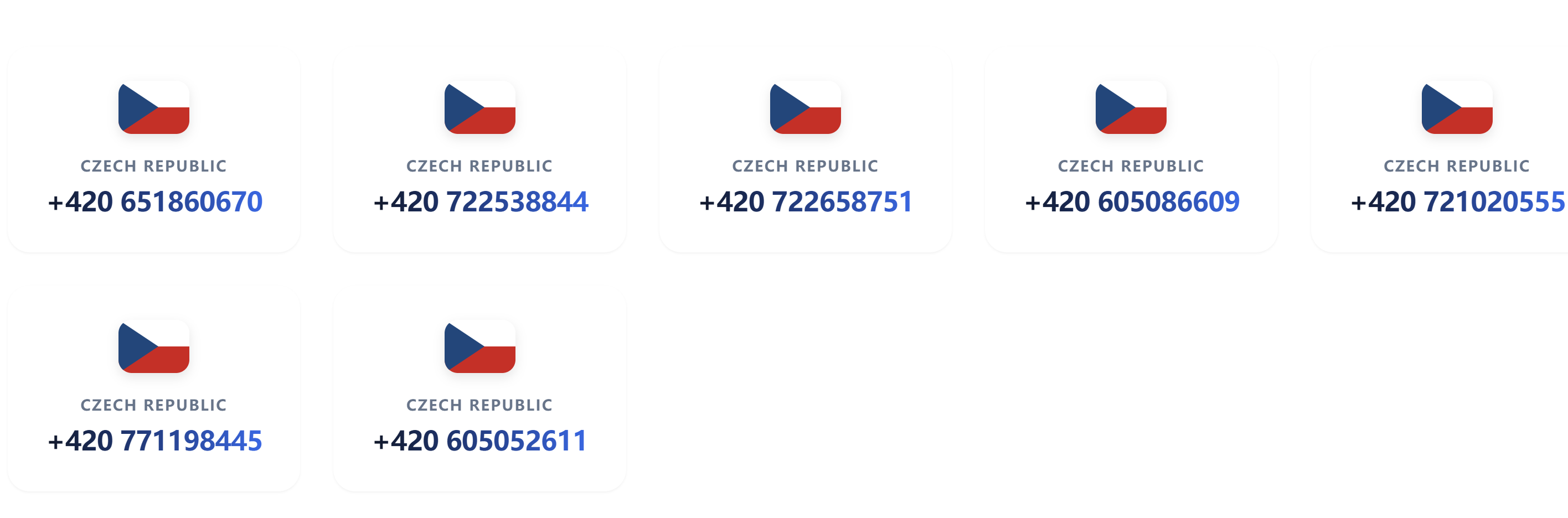
Select any number from the list provided by the platform to start receiving SMS messages for testing.
Step 3: Go to the SMS receiving page
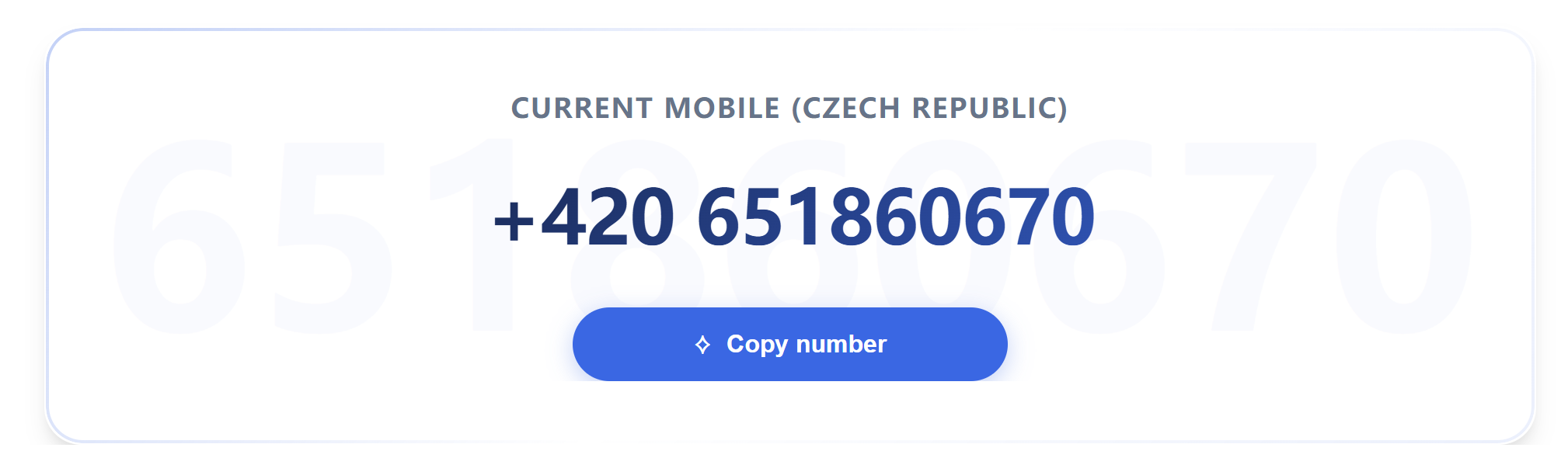
Once you access the SMS receiving page, copy the number displayed there, as shown in the image above. Paste the copied number into the required field in the testing application or program, and you'll be able to receive the message.
After the message is sent, refresh the page periodically or click on the "Get Latest Messages" button to view the most recent SMS.
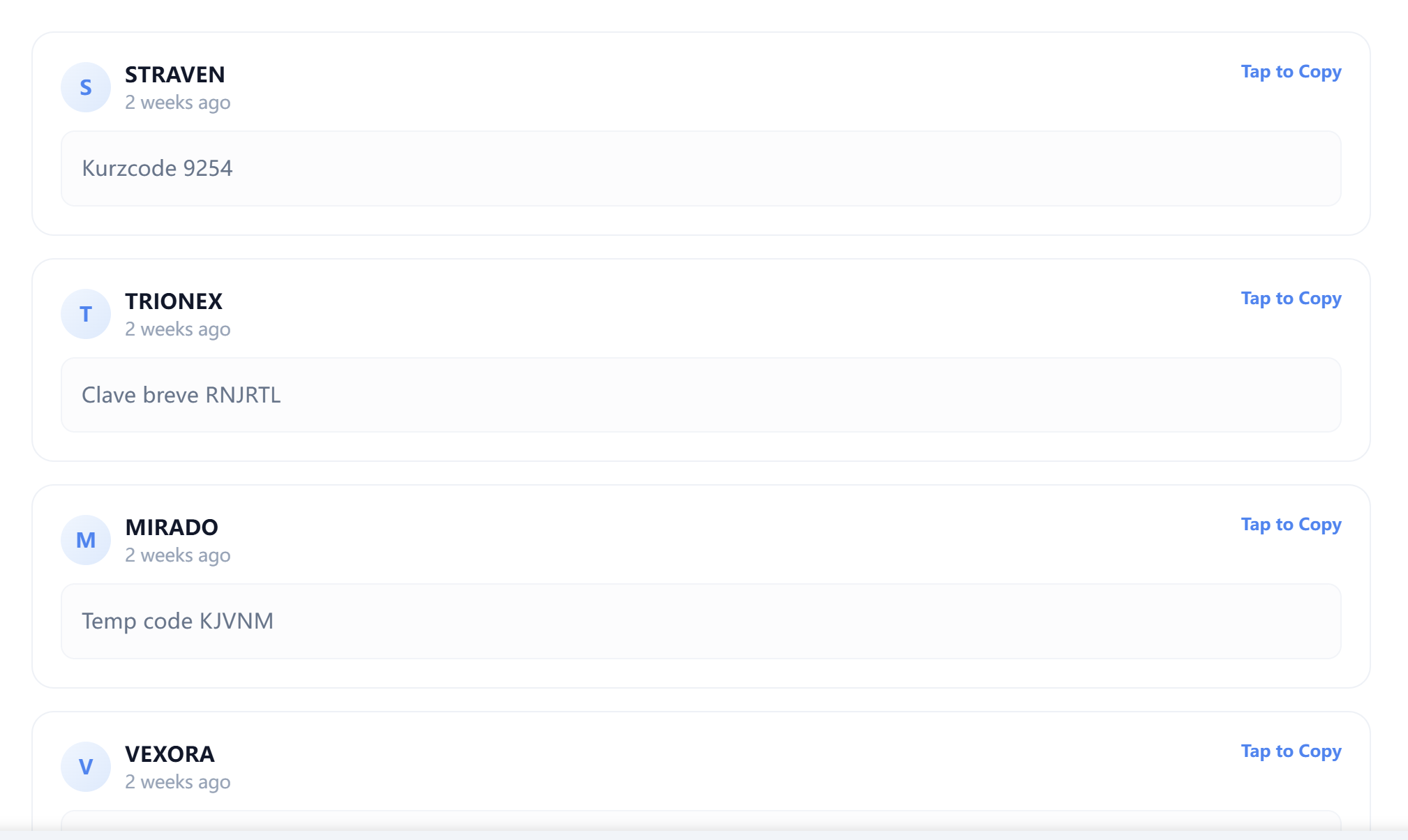
Step 4: View the Latest SMS
Once the page is refreshed, any new messages will appear in the message list. Be sure to check the "SENDER" field to confirm whether the message is from the source you expect.
How to Send SMS
Currently, our platform only supports sending test SMS messages to Greece and France. The specific steps are as follows:
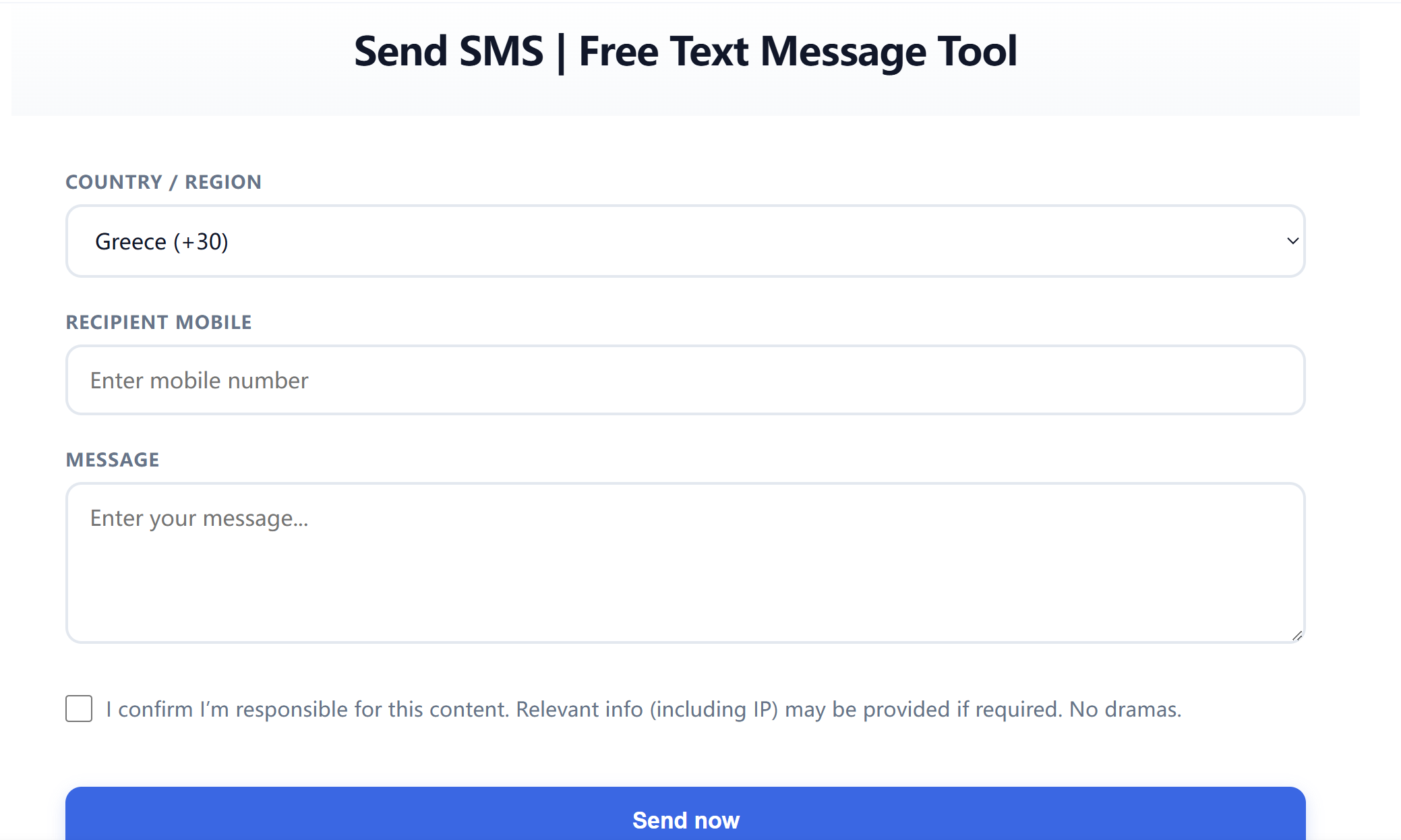
1. Select the area code. At the moment, France is the only option.
2. Enter the French phone number. There's no need to include the country code here as it has already been selected in the previous step.
3. Enter your message. Note that the maximum character limit for each message is 30 characters.
4. Tick the agreement box, and then you're ready to send the message.